Animated graphic with Python
Animar una función matemática en matplotlib usando FuncAnimation: se redibuja la onda en cada frame desplazando el argumento del seno, como si la onda viajara a la derecha.
\[y(x, t) = \sin(x + \omega t)\]
import numpy as np
import matplotlib.animation as animation
import matplotlib.pyplot as plt

#Creating the figure and axis
fig, ax = plt.subplots()

#Values of x
x = np.arange(0, 4*np.pi, 0.01)

"""
The sine function is plotted. By adding a comma after 'line',
the first value in the list is taken and not the list itself
"""
line, = ax.plot(x, np.sin(x))

#Animate function
def animate_sin(i):
    line.set_ydata(np.sin(x + i/10.0))
    return line,

#Running and saving the animation
animation_sin = animation.FuncAnimation(fig, animate_sin, frames = 101, interval = 30, blit = True)
ax.set_xlabel('x')
ax.set_ylabel('y')
plt.title('Animated graph of the sine function')
plt.grid()
animation_sin.save("animated_sine_function.mp4", writer="ffmpeg")
plt.show()
El resultado — renderizado aquí como GIF:
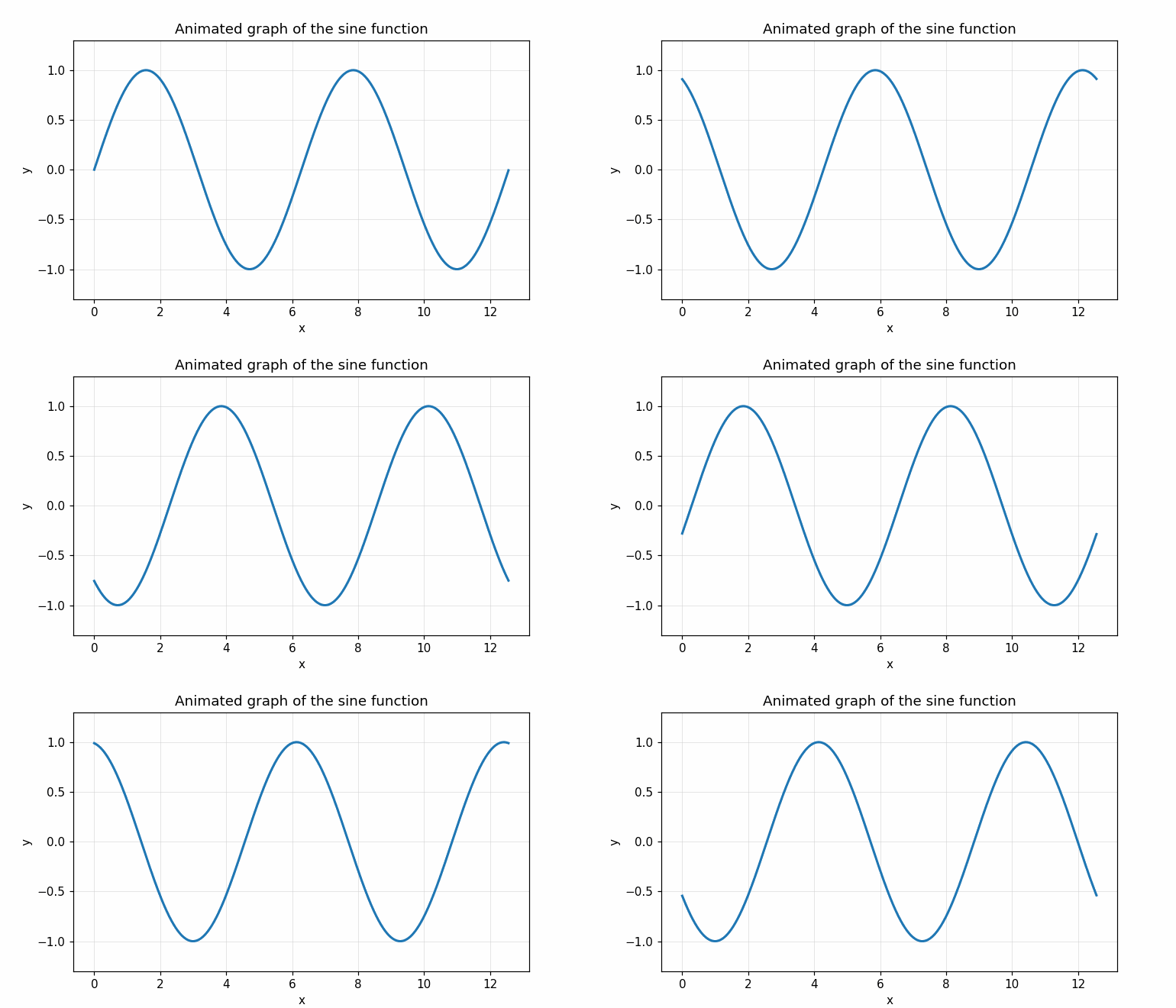
Claves del código:
line,(con la coma) hace tuple unpacking —ax.plot()devuelve una lista con un solo objetoLine2D, y necesitamos la referencia directa para poder llamar aset_ydata()en cada frame.blit = Trueacelera el render: solo redibuja los píxeles que cambian, no toda la figura. Funciona bien mientras la función de animación devuelva los artistas modificados.frames = 101, interval = 30produce ~3 segundos de animación a 33 fps.- Guardar como MP4 requiere
ffmpeg; como GIF requierepillow(ya viene incluido conmatplotlib). Para Jupyter notebook se puede mostrar inline conHTML(ani.to_jshtml())sin escribir archivo.
Esta misma estructura sirve para simular cualquier fenómeno temporal: ondas viajeras, sistemas dinámicos, evolución de poblaciones, difusión, etc. — basta cambiar animate_sin por la ecuación correspondiente.
Instalación:
pip install matplotlib numpy