Temperature Sensor Simulation with Python
Simular en tiempo real la lectura de un sensor de temperatura y graficarla a medida que llegan los datos — el patrón que subyace a cualquier dashboard de adquisición SCADA, IoT o data logger casero.
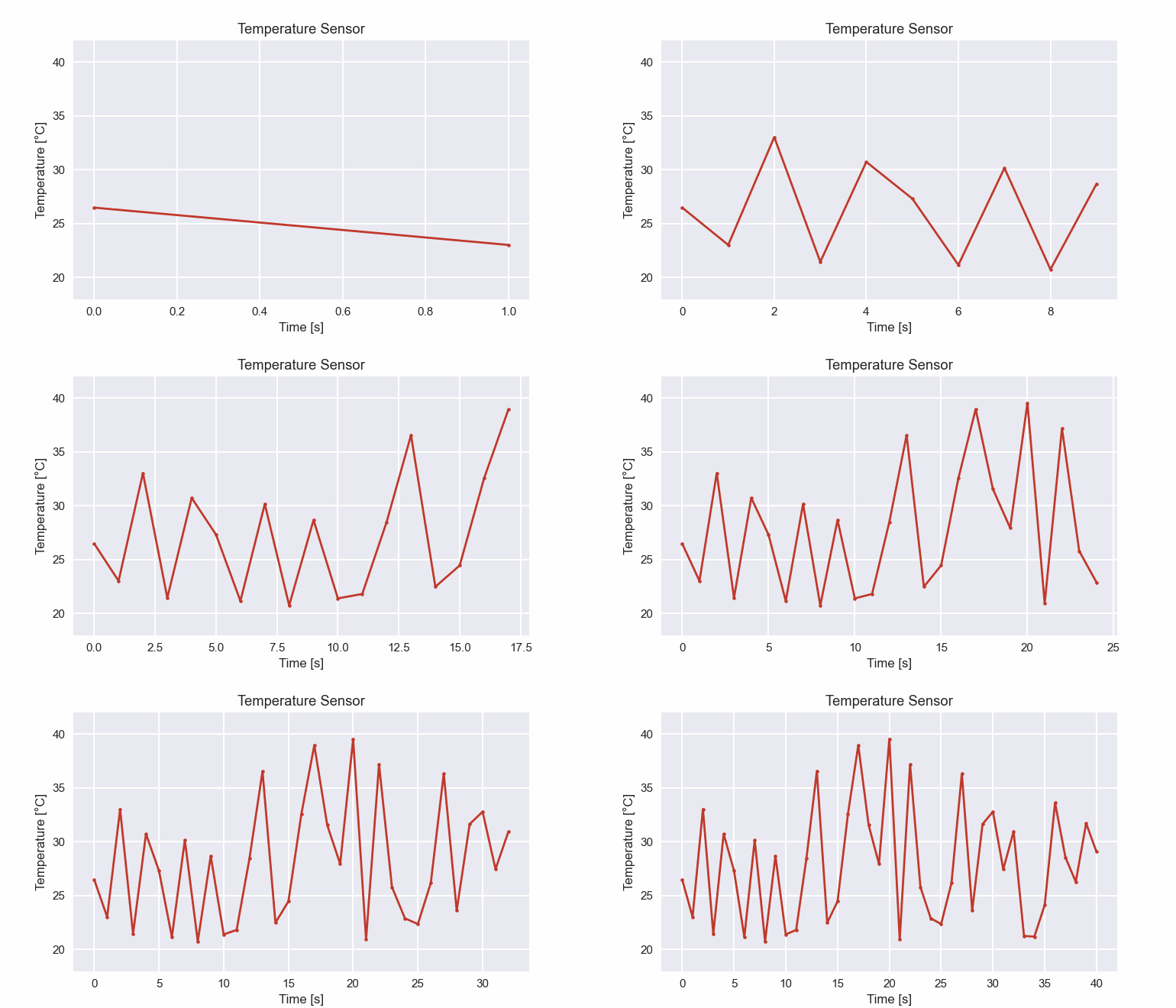
El código genera lecturas aleatorias entre \(20\,°C\) y \(40\,°C\) cada segundo y actualiza el gráfico con matplotlib.animation.FuncAnimation. El mismo esqueleto sirve para consumir datos reales de un Arduino/Raspberry por puerto serie — basta reemplazar random.uniform por una llamada a serial.readline().
import random
from itertools import count
import matplotlib.animation as animation
import matplotlib.pyplot as plt

#1. Creating the figure and axis
plt.style.use('seaborn')
fig, ax = plt.subplots()
x_values = []
y_values = []
index = count()

#2. Generate a random temperature value between 20 and 40 degrees Celsius
def read_temperature():
    temperature = round(random.uniform(20.0, 40.0), 2)
    return temperature

#3. Real-time data plotting function
def plot_sensor_data(i):
    temperature = read_temperature()
    x_values.append(next(index))
    y_values.append(temperature)
    ax.clear()
    ax.plot(x_values, y_values)
    ax.set_xlabel('Time [s]')
    ax.set_ylabel('Temperature [°C]')
    ax.set_title('Temperature Sensor')

#4. Running and saving the simulation
animation_temp_sensor = animation.FuncAnimation(fig, plot_sensor_data, interval = 1000)
animation_temp_sensor.save("animation_temperature_sensor.mp4", writer="ffmpeg")
plt.show()
Simulación renderizada como GIF:
Claves del código:
itertools.count()es un contador infinito que devuelve \(0, 1, 2, \ldots\) cada vez que se llama anext(index). Ideal para el eje temporal cuando no sabes de antemano cuántas muestras vendrán.ax.clear()+ax.plot(...)en cada frame es la forma más simple de redibujar una serie que crece. Para volúmenes grandes conviene usarline.set_data(...)conblit = True— mucho más eficiente.interval = 1000disparaplot_sensor_data(i)cada segundo. Usa un valor menor para emular sensores de alta frecuencia (giroscopios, encoders, etc.).
Adaptarlo a hardware real:
import serial
ser = serial.Serial("COM3", 9600)  # o "/dev/ttyUSB0" en Linux/Mac

def read_temperature():
    line = ser.readline().decode().strip()
    return float(line)
Con ese cambio el mismo script grafica en tiempo real lo que envía tu Arduino por el puerto serie.
Instalación:
pip install matplotlib